VAT on digital products — rules and tips for creators
VAT on digital products for creators: learn about VAT rules, small business exemptions, and how to sell digital products compliantly.
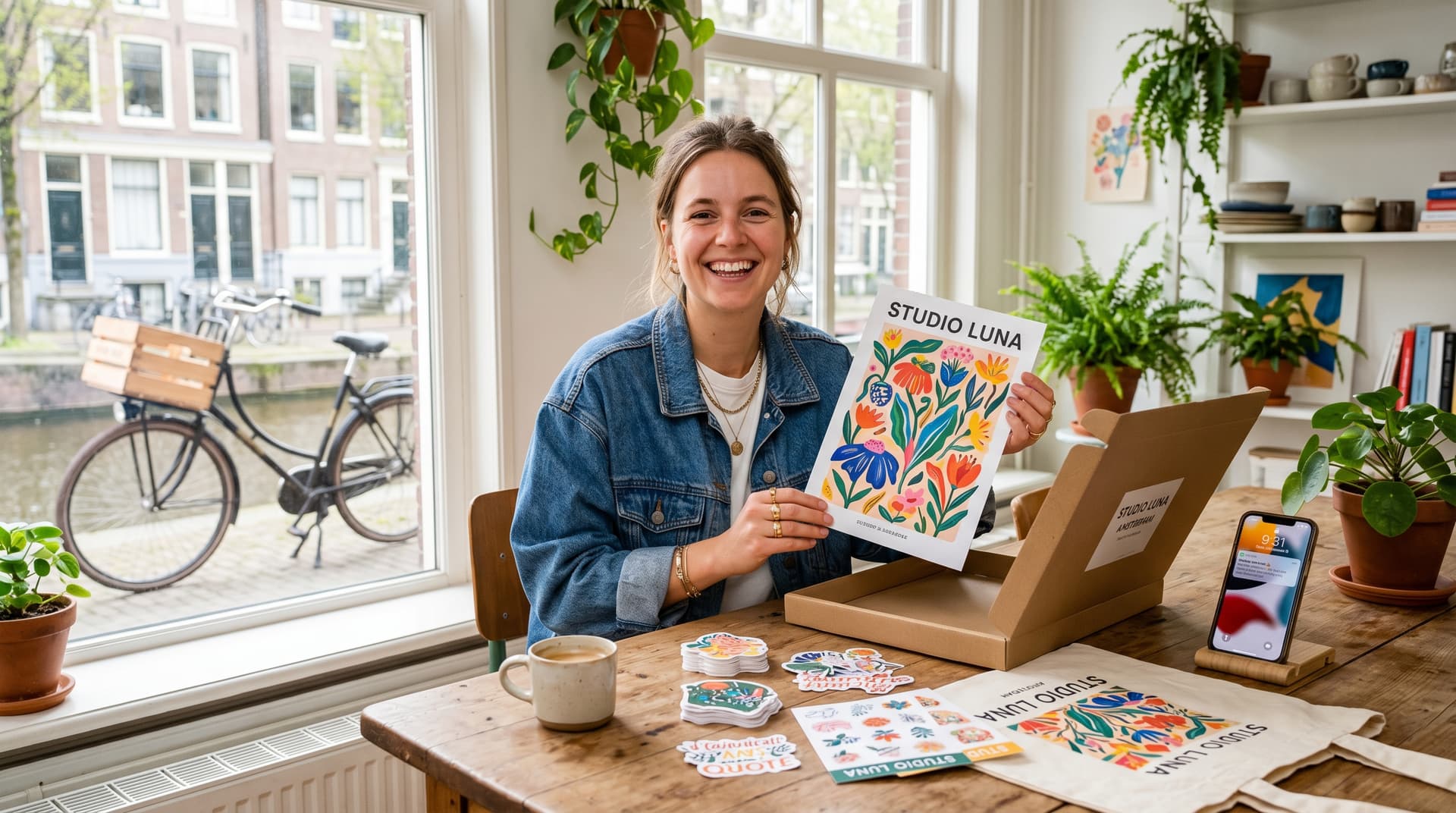
As a creator selling digital products — think e-books, Lightroom presets, online courses, templates, or music — you will eventually face VAT obligations. Many creators start selling enthusiastically but forget the tax side. In this article, we explain everything about VAT on digital products, small business exemptions, business registration, and how to sell compliantly as a creator.
What are digital products?
Digital products are goods delivered online without physical shipping. Examples include:
- E-books and PDF guides — recipe books, travel guides, workbooks
- Presets and filters — Lightroom presets, Photoshop actions, LUT packs
- Online courses — video courses, masterclasses, tutorials
- Templates — Canva templates, Notion templates, social media packs
- Music and audio — beats, sound effects, premium podcast content
- Software and apps — plugins, extensions, SaaS tools
All these products fall under VAT rules once you sell them. It does not matter whether you sell through your own website, a marketplace, or a link-in-bio page.
VAT rates for digital products
In most EU countries, digital products are subject to the standard VAT rate. In the Netherlands this is 21%, in Germany 19%, and in France 20%. Some exceptions exist — e-books may qualify for a reduced rate in certain countries — but most digital products like presets, courses, and templates carry the standard rate.
In practice, if you sell a preset pack for €25 including VAT at 21%, then €4.34 is VAT that must be paid to the tax authority. It is important to price your products so your profit margin survives after VAT deduction.
When are you considered a business?
A crucial question is: when do tax authorities consider you a business rather than a private individual? Generally, three criteria apply:
- Independence — you decide how, when, and for whom you work
- Profit motive — you intend to make a profit
- Economic participation — you offer products to the public
Once you structurally sell digital products — even as a side project — you are likely considered a business. A one-time sale to a friend is not a business, but a Mini Shop on your link-in-bio page is.
Business registration
In most countries, you need to register your business with the relevant authority. In the Netherlands this is the KVK (Chamber of Commerce, €75.50 one-time), in Germany the Gewerbeamt, and in Belgium the KBO. After registration you receive:
- A business number — your unique identifier
- A VAT number — needed to charge and remit VAT
The process typically takes 30 minutes and can often be done online.
Small business exemptions
Good news for starting creators: most EU countries offer a small business exemption that frees you from VAT obligations below a certain revenue threshold:
- Netherlands (KOR) — exempt below €20,000 annual revenue
- Germany (Kleinunternehmerregelung) — exempt below €22,000 annual revenue
- Belgium — exempt below €25,000 annual revenue
- France (franchise en base de TVA) — exempt below €36,800 for services
Under these exemptions, you do not charge VAT to customers and do not file VAT returns. However, you also cannot reclaim VAT on your own purchases.
Invoice requirements
Even as a creator, you must issue proper invoices. A compliant invoice should include:
- Your name and address
- Your business registration number
- Your VAT number (unless exempt)
- Sequential invoice number
- Invoice date
- Product description
- Amount excluding VAT, VAT amount, and total
- Customer name and address (for amounts over €100)
How LinkDash helps creator-entrepreneurs
LinkDash is built with creator-entrepreneurs in mind. Here is how the platform helps:
- Business ID widget — display your business registration number on your link-in-bio page so customers know they are buying from a registered business
- VAT number display — add your VAT number to your profile for transparency
- Mollie integration — accept iDEAL, Bancontact, credit cards, and more. Mollie automatically generates payment overviews for your bookkeeping
- Sales dashboard — view revenue per month, per product, and per payment method in the sales dashboard
- Automatic invoices — every Mini Shop sale generates an invoice
Create a free LinkDash account and start selling compliantly today.
6 tips for starting creators
- Use the small business exemption — if your revenue stays below the threshold, you save significant administrative effort
- Keep simple bookkeeping — use a free tool like Wave or a spreadsheet to track income and expenses
- Save all receipts — including digital purchases for your business (software, hosting, equipment)
- Use a business bank account — separate personal and business finances for cleaner bookkeeping
- Learn about cross-border VAT — selling to customers in other EU countries? Special rules apply (OSS scheme)
- Consult an advisor — a first meeting with an accountant is often free and can prevent costly mistakes
5 common mistakes
- Not registering your business — you are required to register once you sell structurally. Fines can be significant
- Forgetting VAT in pricing — if you are not exempt, 21% of your selling price goes to the tax authority. Factor this into your pricing
- Not keeping invoices — tax authorities can audit up to 7 years back. Keep everything digitally
- Mixing personal and business finances — use a separate bank account for your creator business
- Not applying for the exemption — the small business exemption does not apply automatically in all countries; you may need to request it
VAT checklist for creators
- ☑ Registered with the relevant business authority
- ☑ VAT number received (or exemption applied for)
- ☑ Prices correctly calculated (including or excluding VAT)
- ☑ Invoices meet legal requirements
- ☑ Business bank account opened
- ☑ Bookkeeping maintained (income and expenses)
- ☑ VAT returns filed on time (quarterly or annually)
- ☑ Business and VAT numbers visible on your sales page
Conclusion
VAT on digital products does not have to be complicated. With small business exemptions, starting creators can sell tax-free up to a certain threshold. Make sure you register your business, create proper invoices, and maintain clear bookkeeping. LinkDash helps with built-in tools for invoicing, business ID display, and a complete sales overview.
Ready to start? Create a free LinkDash account and sell your first digital product today.
Emma
Growth Manager at LinkDash
Emma is Growth Manager at LinkDash and writes about conversion, link-in-bio strategy and the European creator economy. She focuses on data-driven growth tactics for creators and small businesses.
Ready to get started?
Create your own link-in-bio page for free with iDEAL, Wero and 100+ templates.
Start free